

APK
Not recommended, for advanced users
walt-0.1.19.apk18.6 MB
Check the signature, then compare it to the official digest.
apksigner verify --print-certs walt-0.1.19.apkAuto-update with Obtainium.
https://walt.is/releasesAdd to ObtainiumNeeds Obtainium on your Android phone.
Direct link for update trackers.
https://walt.is/downloads/latest.apkRelease notes
0.1.19Better pass details, scanning and documents.
- Pass details: links, emails and phone numbers in multi-line fields are tappable, values share one text style, and the screen brightens while a barcode shows.
- The camera reads striped barcodes held at any angle, and pass barcodes with non-Latin text now encode correctly.
- Full-screen documents open on the page you were viewing, and long links wrap in "Add from a link".
- Clearer messages when a pass can't be imported, and a proper screen when everything is archived.
File bug reports on GitHub.
Previous releases14
0.1.18Back up and restore your wallet.
- Back up your wallet to a file from Settings, with optional password protection.
- Restore a Walt backup or import a .pkpasses bundle via + > Upload a file.
- Open or share .pkpasses bundles into Walt from other apps.
- Re-importing a backup skips passes already in your wallet.
0.1.17Scanning and stability fixes.
- Boarding-pass PDF417 barcodes now scan reliably from the live camera.
- Camera failures no longer crash the app; Walt falls back to the photo picker.
- Sharing a second pass or link no longer shows the previous one.
- Wallet list fixes: archived items no longer flash on launch, and card faces no longer disappear.
0.1.16Colour, and a wallet you arrange yourself.
- Every item now takes a colour by type, passes, PDFs, photos, and codes, and you can recolour any one of them from its Details section.
- The archive is fully manual: swipe right to archive anything, and restore it any time. Expired passes stay in your wallet unless you move them.
- Share a .pkpass or PDF straight into Walt from any app’s share sheet.
- Pinch to zoom photos and scanned documents full-screen, plus Aztec and PDF417 barcode support.
0.1.15A wallet-wide redesign.
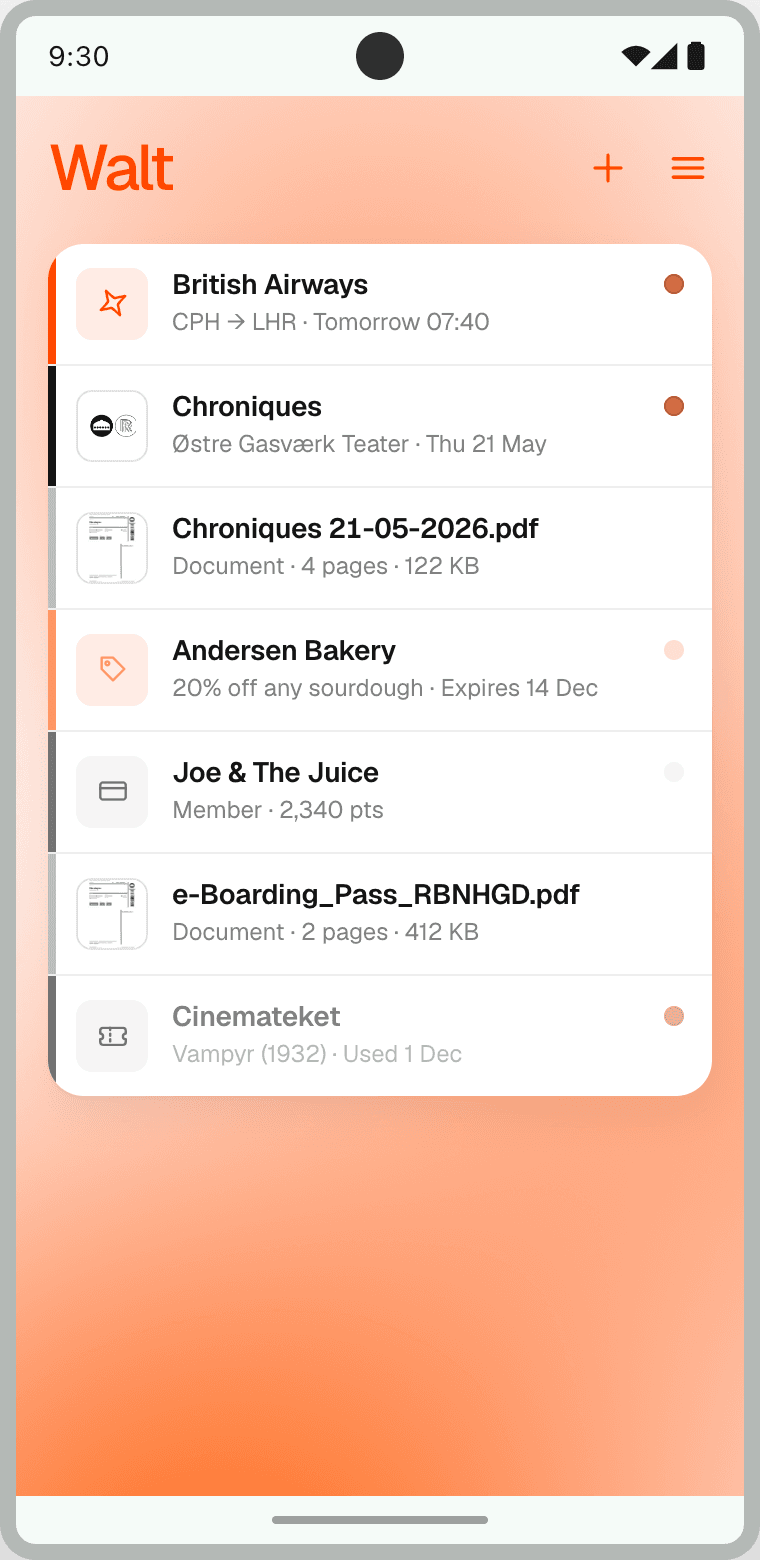
- Passes now stack like a real card wallet, with new card faces for passes, PDFs, images, and codes.
- Redesigned detail screens for every item type, plus a shared rename and Details section.
- Full dark theme support across the new surfaces, with accessibility fixes.
- Expired passes move to an archive behind “View expired passes”, and the add-to-wallet and import flows have been refreshed.
0.1.14Add passes straight from a link.
- Add from a link: share or paste a wallet link from an email or website, and Walt fetches the pass for you.
- Redesigned the onboarding screen that explains what’s ready to use today.
0.1.13Telemetry is now yours to opt into, and subscriptions are paused.
- New Telemetry settings: opt in separately to crash, performance, and analytics reporting, all off by default, with a 3-hour or always option, plus a one-tap “send last 30 minutes”.
- Subscriptions are paused: the Subscription menu item is greyed out and the membership prompt has been removed.
0.1.12Optional membership to support Walt.
- Optional Walt membership (€3/month). Subscribe in your browser.
0.1.11Add images to your wallet, plus reordering and polish.
- Add photos and images to your wallet. “Take a picture” and “Upload a picture” keep the image alongside an auto-extracted barcode.
- Reorder your wallet by long-press drag, and edit a scannable card’s code value or default format from its detail screen.
- Polish and fixes: pass detail refinements, the nav drawer now closes on system Back, and the blank Material You launcher icon is fixed.
0.1.10Wallet list and Add-to-Wallet redesign.
- Wallet list redesigned. Each pass, card, and document is now its own rounded card.
- Redesigned Add to Wallet flow: one unified sheet with four entry points.
- Expired passes now sink below active items, with smooth list animations.
- Restyled the scannable-card create form to match the wallet-card style.
0.1.9Add barcodes by camera or photo, plus display-cutout fixes.
- Scan a barcode with your camera to add a card.
- Import a barcode from a photo or a shared image.
- Full-screen PDFs and pkpass barcodes now clear the display cutout.
- Passes and barcode UI polish.
0.1.8PDF document viewing improvements.
- Full-screen PDF pages no longer stretch when you pinch-zoom.
- New “Tap to open” button to view PDF documents full-screen.
- Refreshed PDF detail screen with a cleaner header and an expandable details section.
- Themed close button on the full-screen PDF viewer.
0.1.7Pass-management UX improvements and theming polish.
- Rename pkpass passes, scannable cards, and PDF documents inline from the detail screen.
- Redesigned pkpass detail screen with auxiliary fields.
- System / Light / Dark theme option, with no startup flash.
- Pkpass user label now appears in the wallet list row.
0.1.6bStability and theming polish on top of 0.1.6a.
- Fix release-build crash when reading saved preferences (theme, onboarding state).
- Theme: new System option that follows your OS light/dark setting; no theme flash on cold start.
0.1.6aThe first public Walt release.
- Upload loyalty cards, boarding passes, concert tickets
- Upload PDFs for ticket types not covered by PKPASS
- View and present passes
- Android only, iOS planned
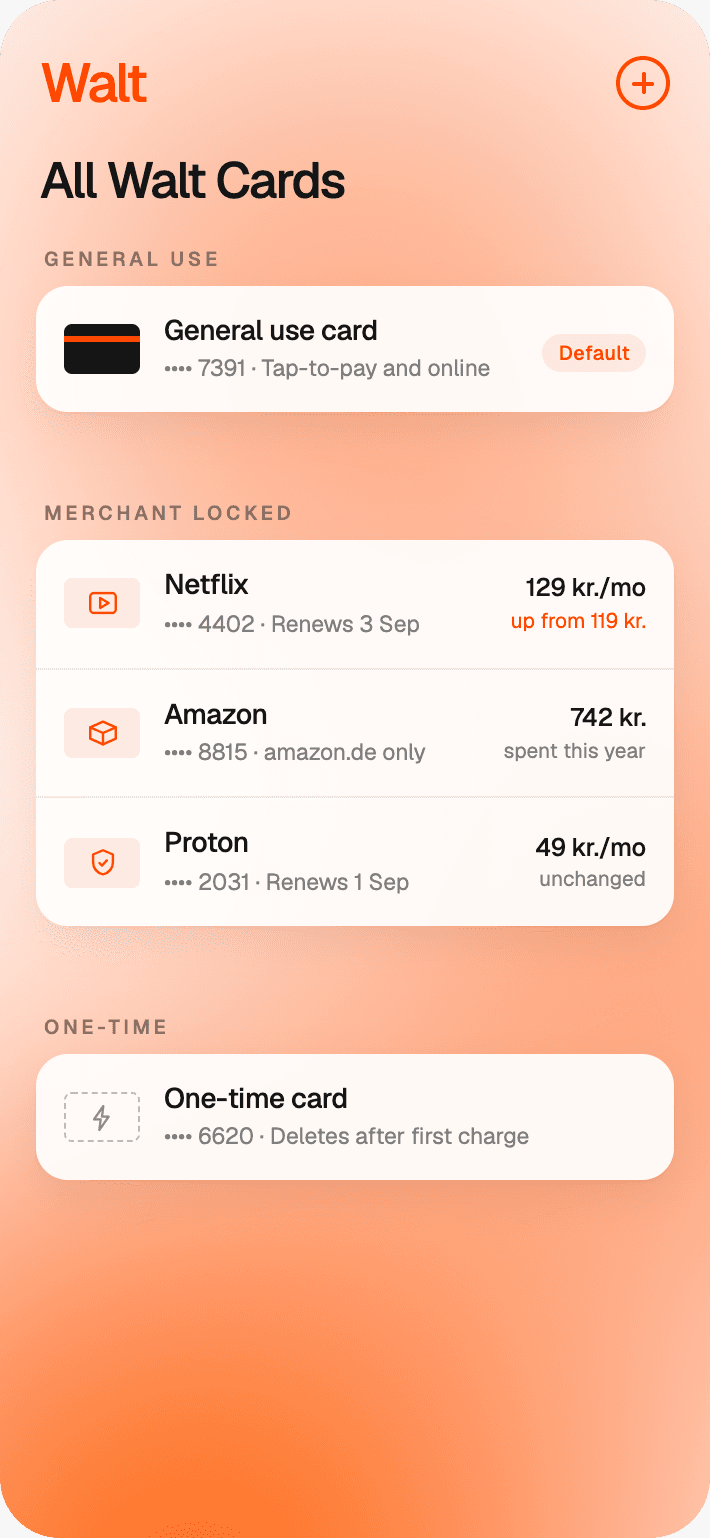
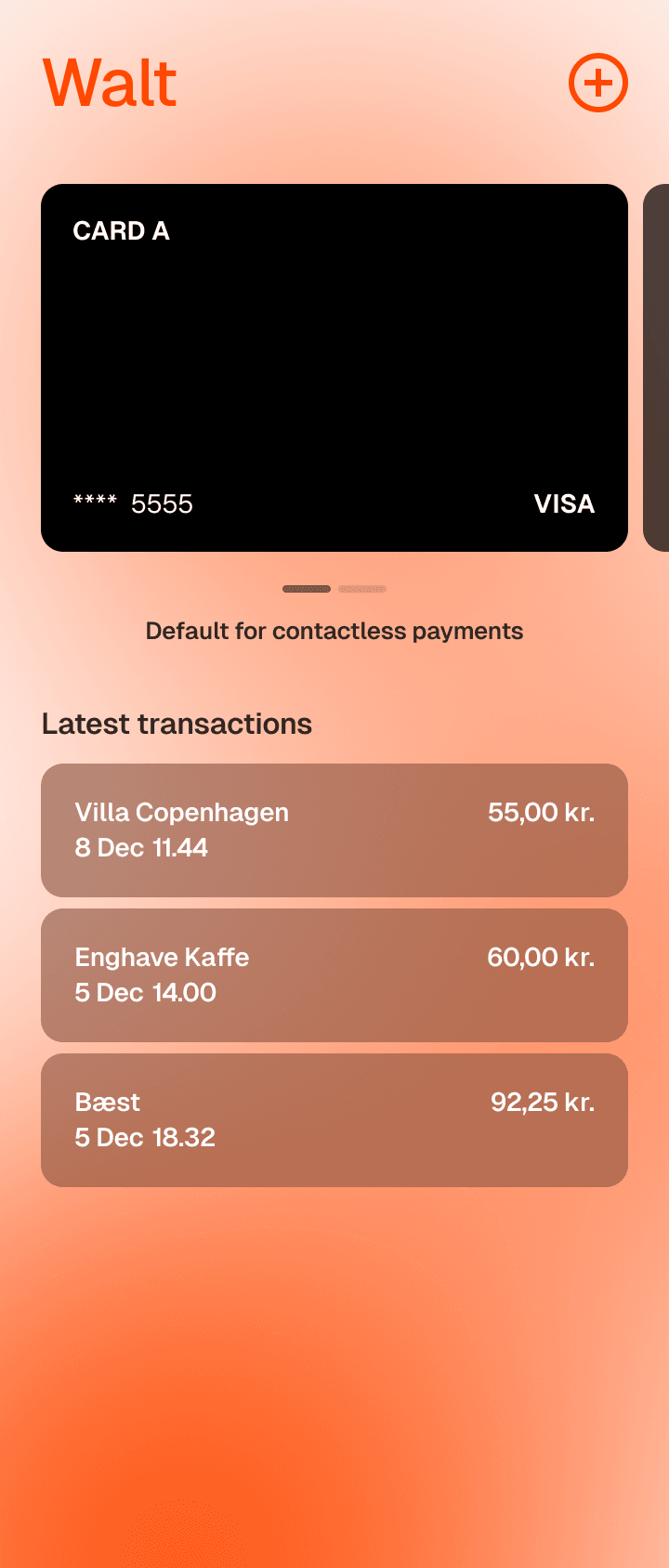
Tap-to-pay is not included yet; it’s still moving through scheme audits.