PassesJust like you're used to.
Boarding passes, event tickets, loyalty cards, PDF tickets. Stored encrypted on your device. No Walt account. Nothing sent off your phone.
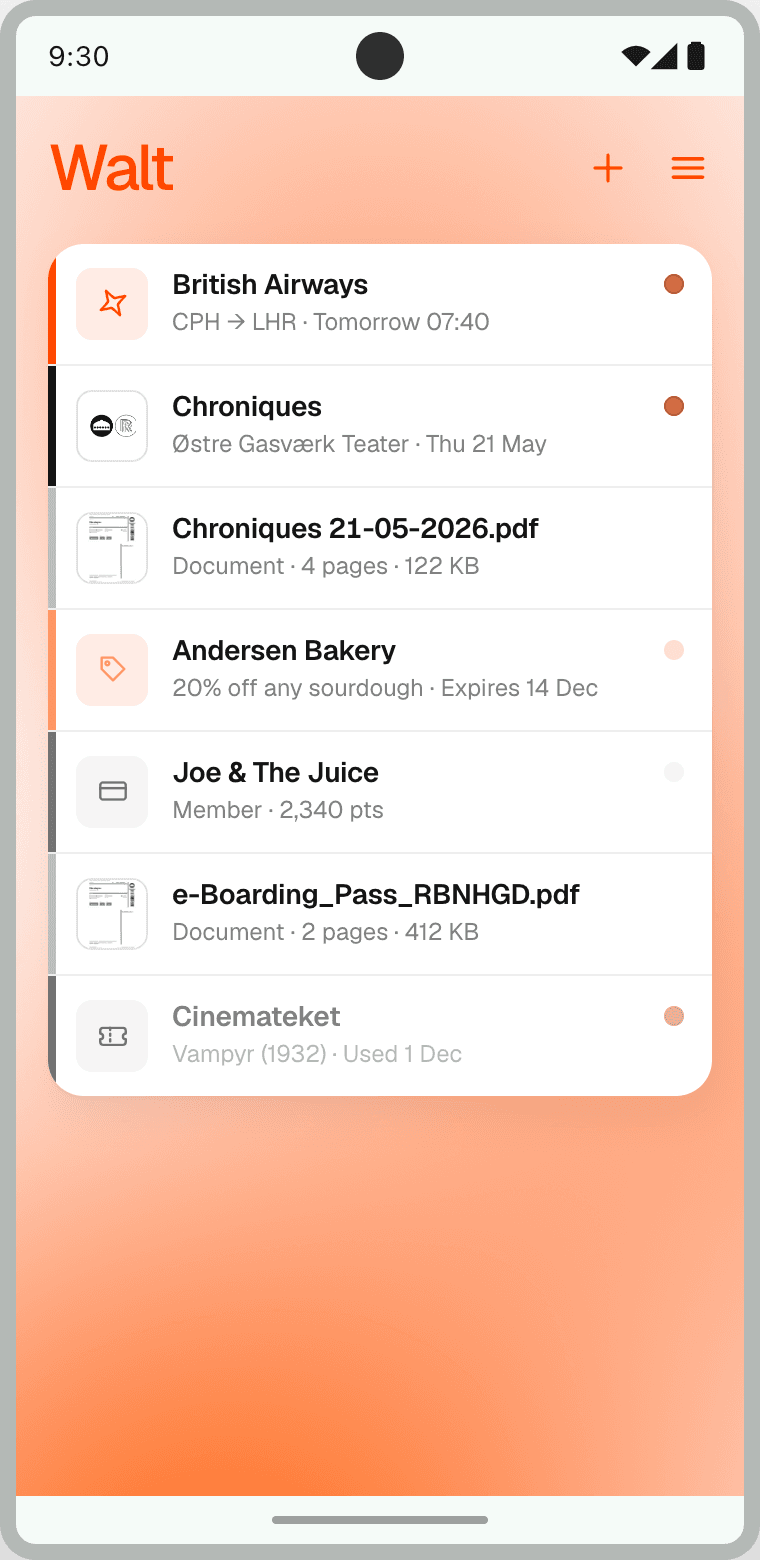
Store all your passes in one place.
Walt accepts most of the same passes that other mobile wallets use, and stores PDFs for any additional needs. Passes in the Walt app is available today in a beta version on Android, with iOS coming soon. Try the beta release from Google Play or as a direct APK, or sign up for the waitlist to wait for production readiness.
- StatusDownloadable. Beta version. Built from Copenhagen.
- PrivacyLocal-only. No account, no server, no tracking.
- Works onStock Android, GrapheneOS, and other degoogled ROMs.
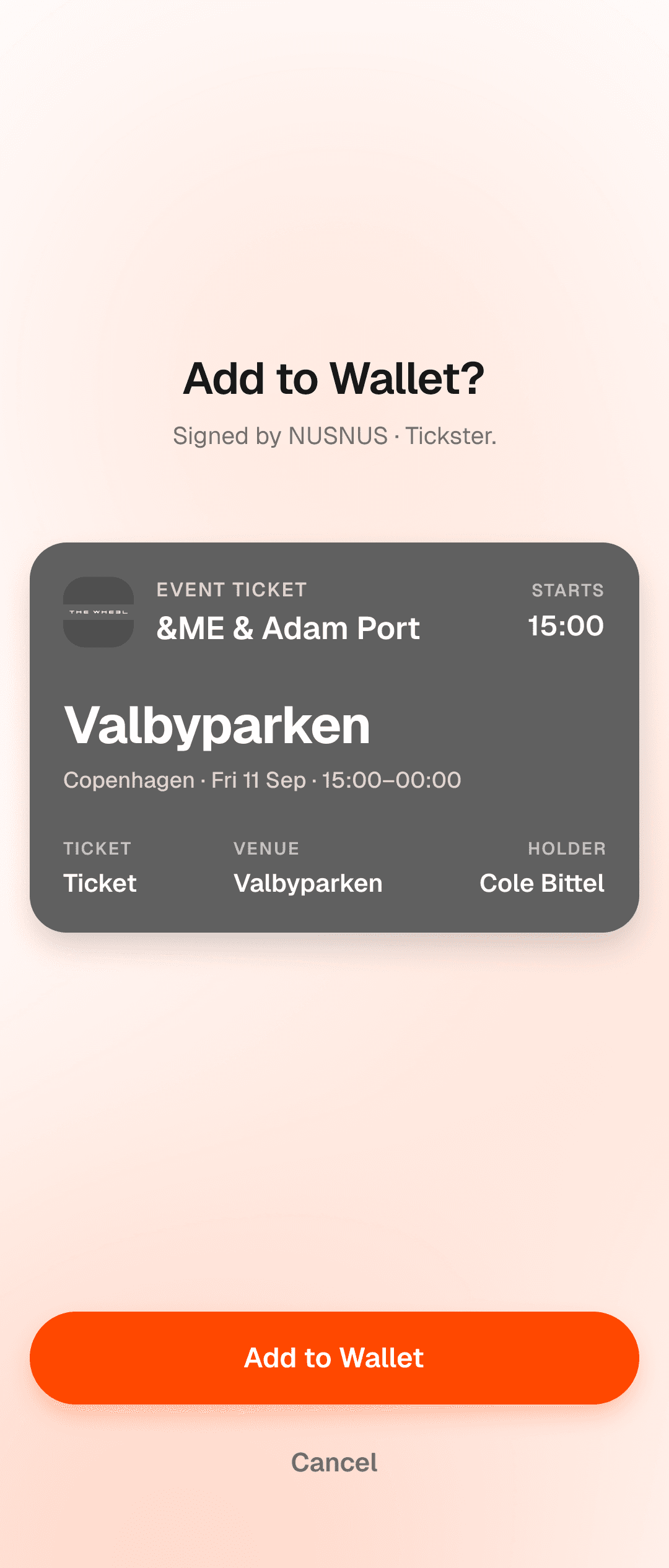
Upload a pass
A .pkpass from your files. Signed passes are verified before they're saved.
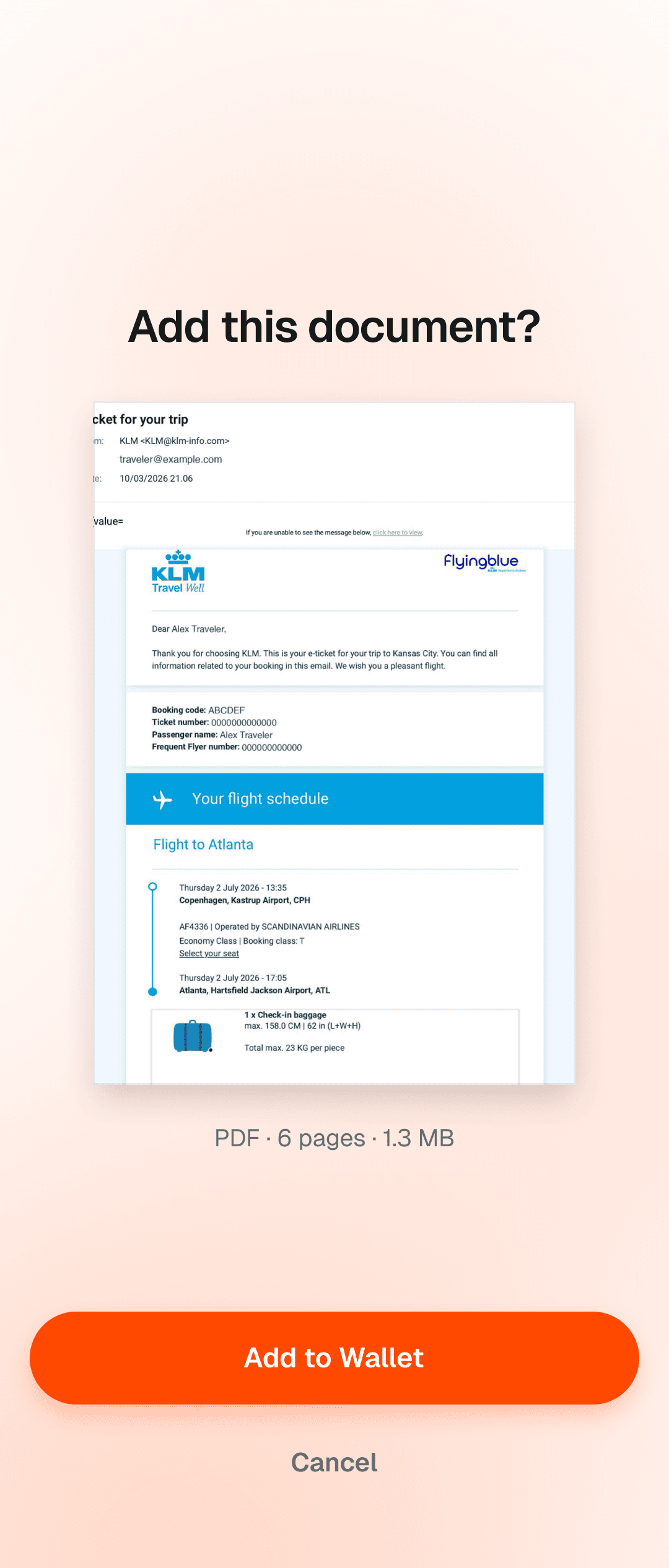
Upload a PDF
A PDF ticket or booking. Previewed, then kept in a sandbox on your phone.
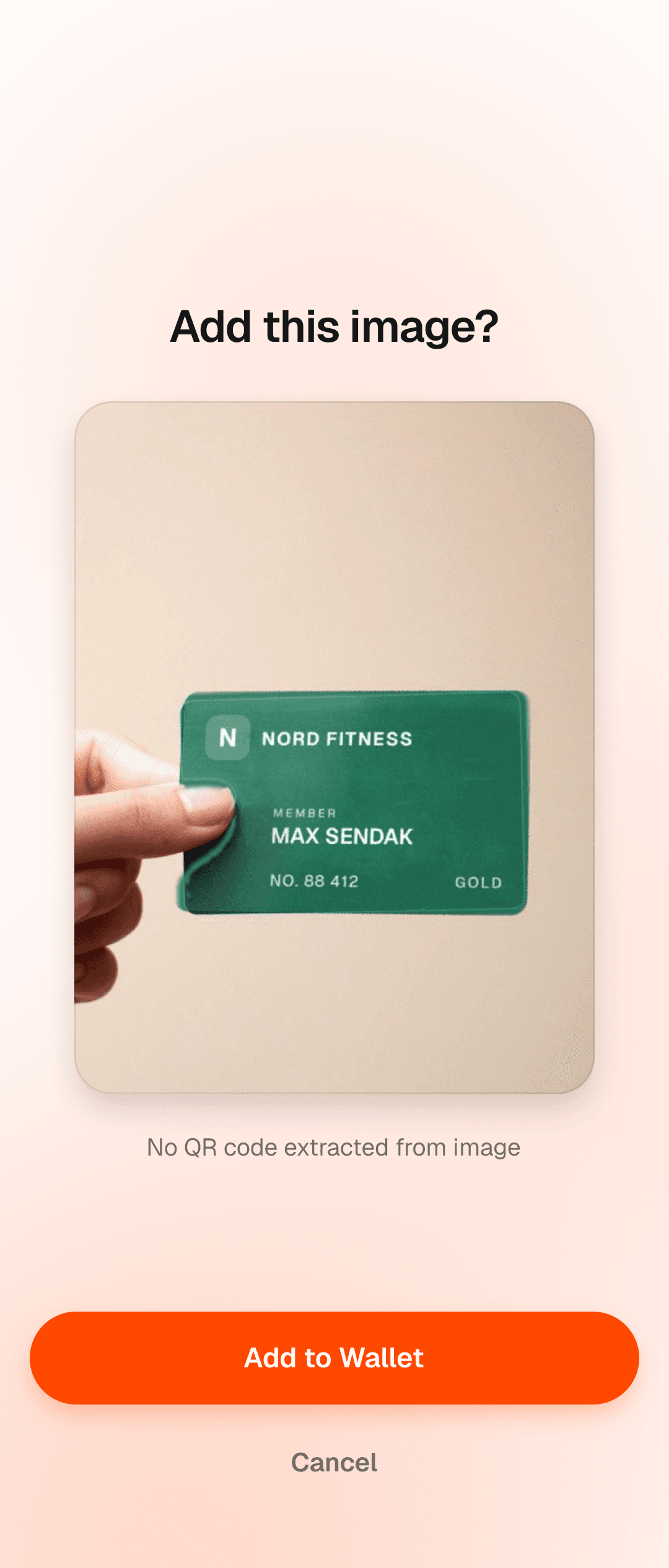
Upload a picture
A photo from your gallery. Walt reads a barcode if it finds one, or keeps the image.
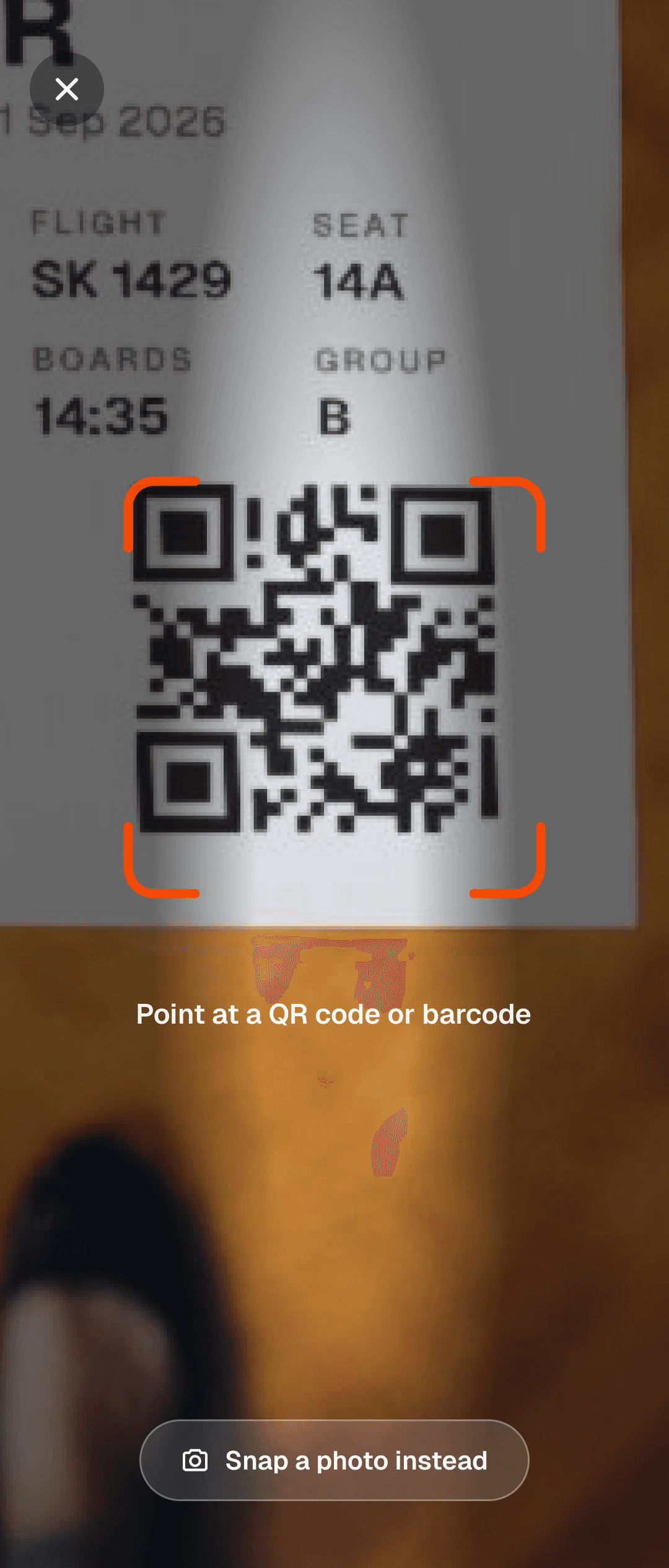
Take a picture
Scan or snap with the camera. The code is detected on device, nothing leaves your phone.
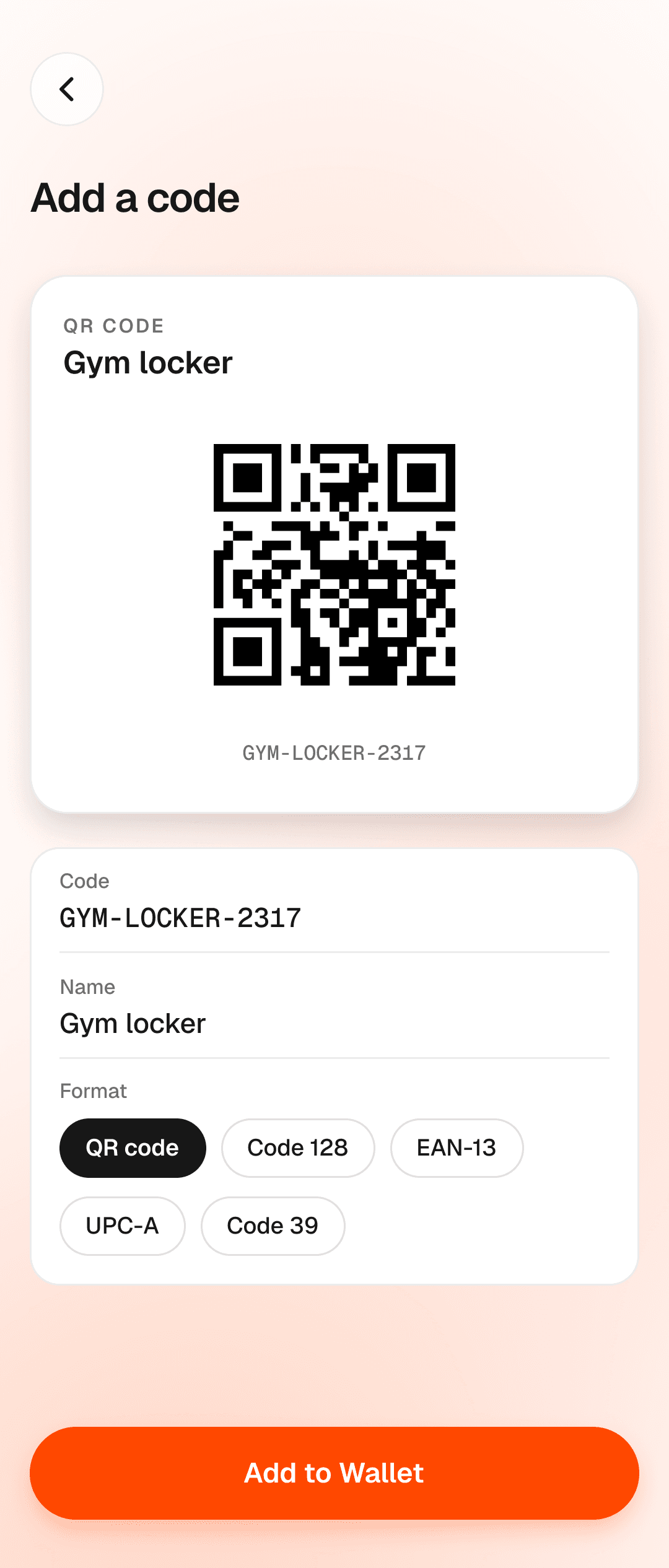
Enter manually
Type in a code you have. Walt encodes it as a scannable QR or barcode.
What it can, and can't, do today.
- Boarding passes, event tickets, coupons, loyalty cards, and the generic ones too.
- Walt generates multiple scannable types: QR, PDF417, Aztec, Code 128, etc. You're covered no matter what the scanner expects.
- PDF tickets open in a sandbox, enforcing security boundaries.
- Encrypted on your phone with a key only your phone holds.
- Delete a pass and it's gone for good. The cache goes with it.
- Transit cards you tap at the gate.
- Rotating-barcode tickets like Ticketmaster SafeTix.
- Logos and designs from original passes.
- No "Add to Walt" button on the web yet.
Walt Passes vs. FossWallet.
FossWallet has been the standard option for DeGooglers for years. It's served us all extremely well. We are grateful. Walt Passes shares the purpose of FossWallet and improves security in small but meaningful ways that are important for a wallet that also enables tap-to-pay.
The pass kernel is open source.
We've open sourced the Passes kernel to help you understand how Walt operates under the hood and build trust together.
The parser, signature verifier, and storage layer live in their own module, on Android and iOS alike. Every privacy claim above maps to a specific piece of code.
Try the passes beta.
The Passes feature of Walt is available for beta testing now. Note - the tap-to-pay feature is not yet available or included in this beta release. Install it from Google Play, or download the APK straight from walt.is. No account, no sign-up. If you want to send feedback or follow along, the Discord is where we iterate.