Tap-to-PayKeep your purchases to yourself.
A European alternative to Google Wallet and Apple Pay. Same tap. Same terminals. Your transaction data never leaves your phone.
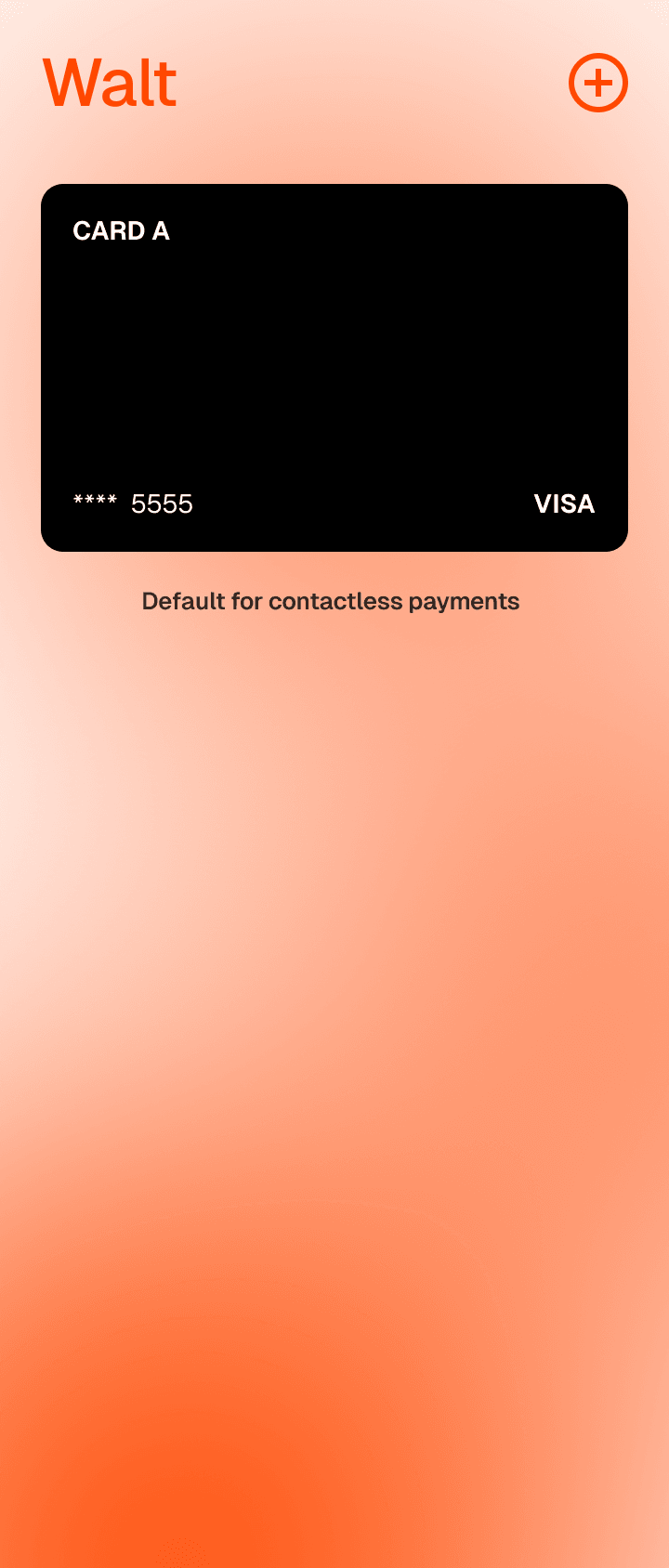
A Respectful WalletPrivate and Secure
- Built in EuropeWalt is built in Europe, for Europe. Headquartered in Copenhagen, with a focus on simplicity, predictability, and privacy.
- Privacy as a principleThe company behind Walt does not share, sell, or even centrally store your data. No profile is being built on your data.
- Encrypted local dataCards and history live encrypted on the device. There is no Walt account and no Walt server holding your transactions.
Familiar on the outside. Private on the inside.
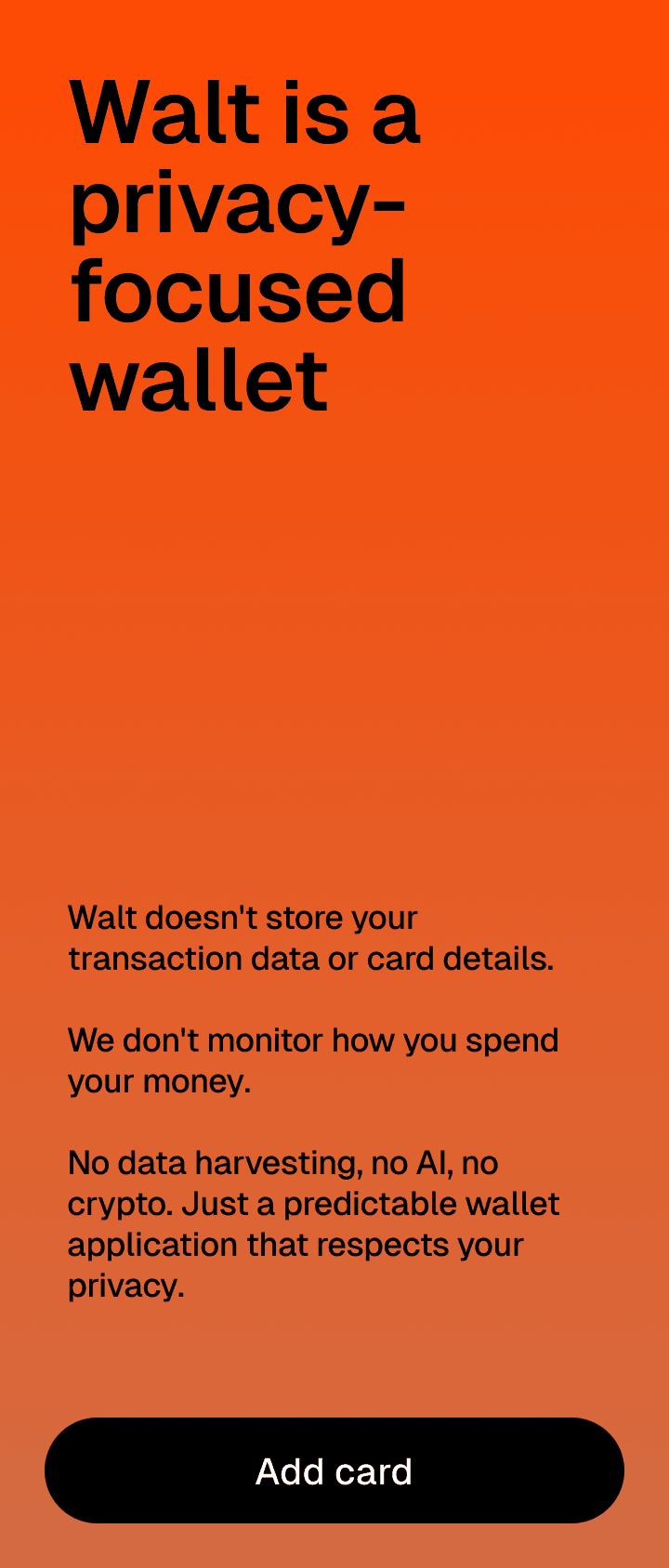
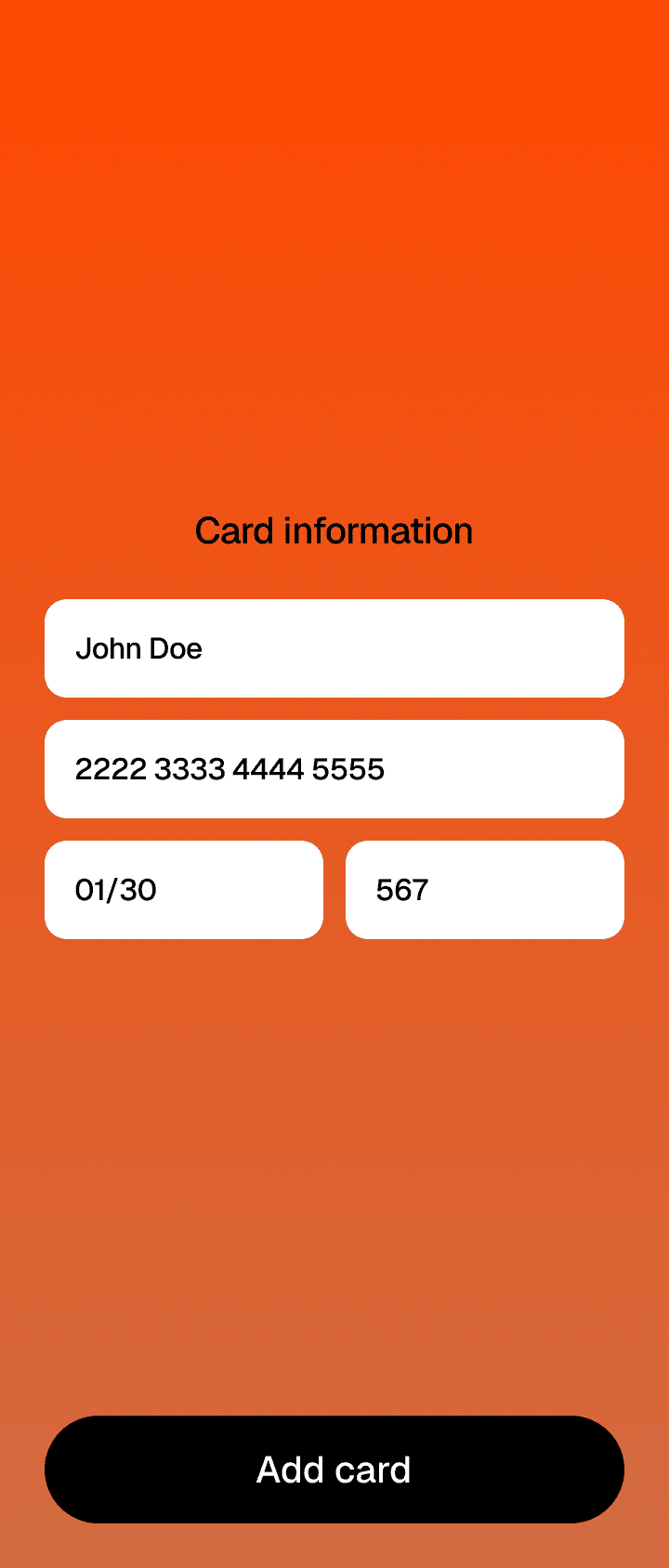
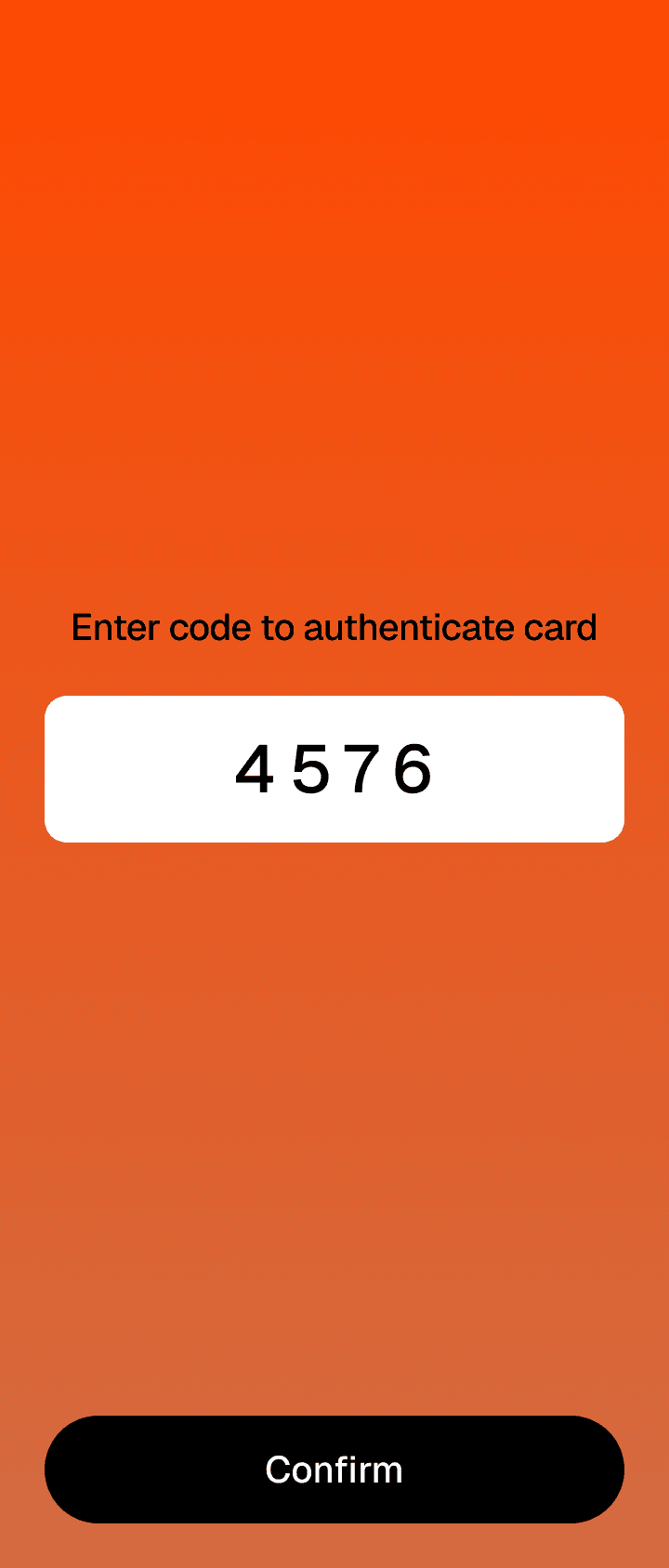
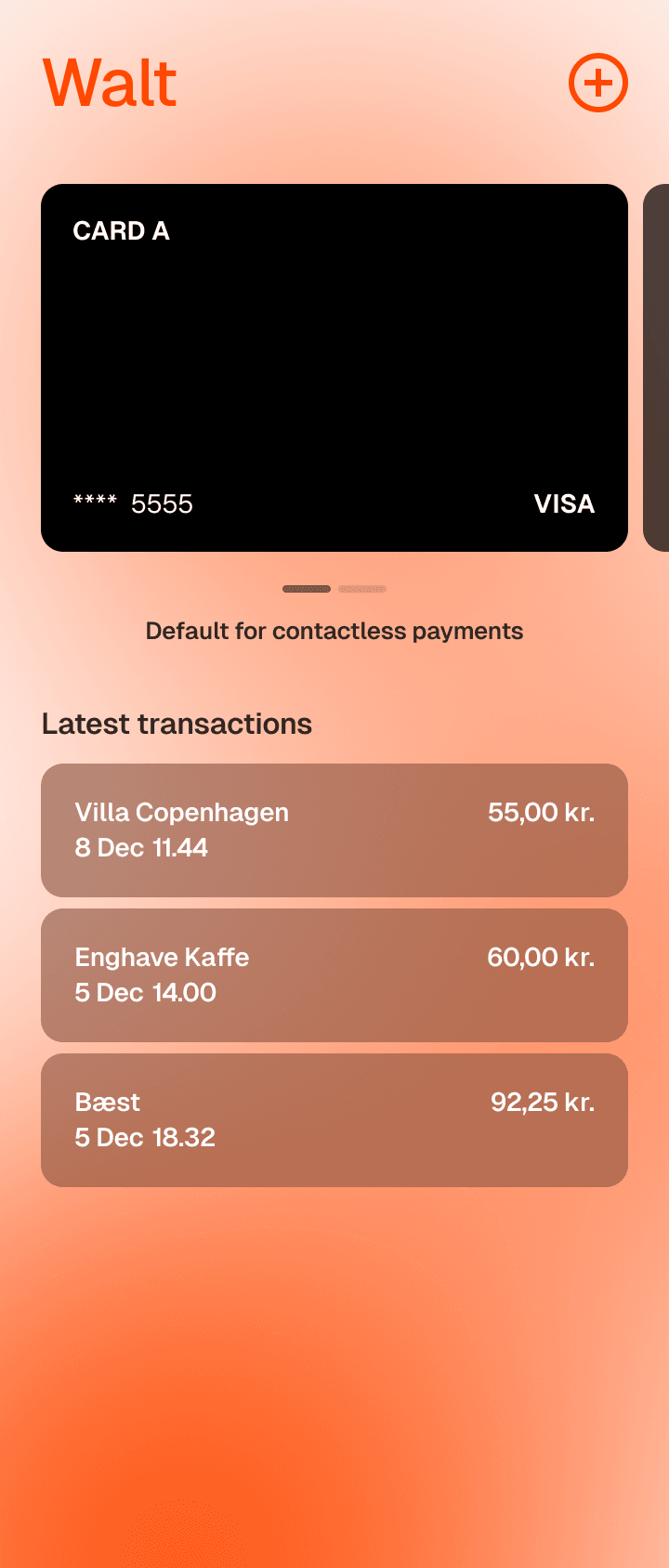
In July 2024, the EU ruled in favor of the Digital Markets Act (DMA), requiring that users must be able to switch their default wallets on their iPhone and Android. Walt is the first, European-wide capture of that ruling.
Set Walt as your default wallet, and tap-to-pay with the same biometric shortcut that you're used to - a biometric fingerprint on Android; double tap on iPhone.
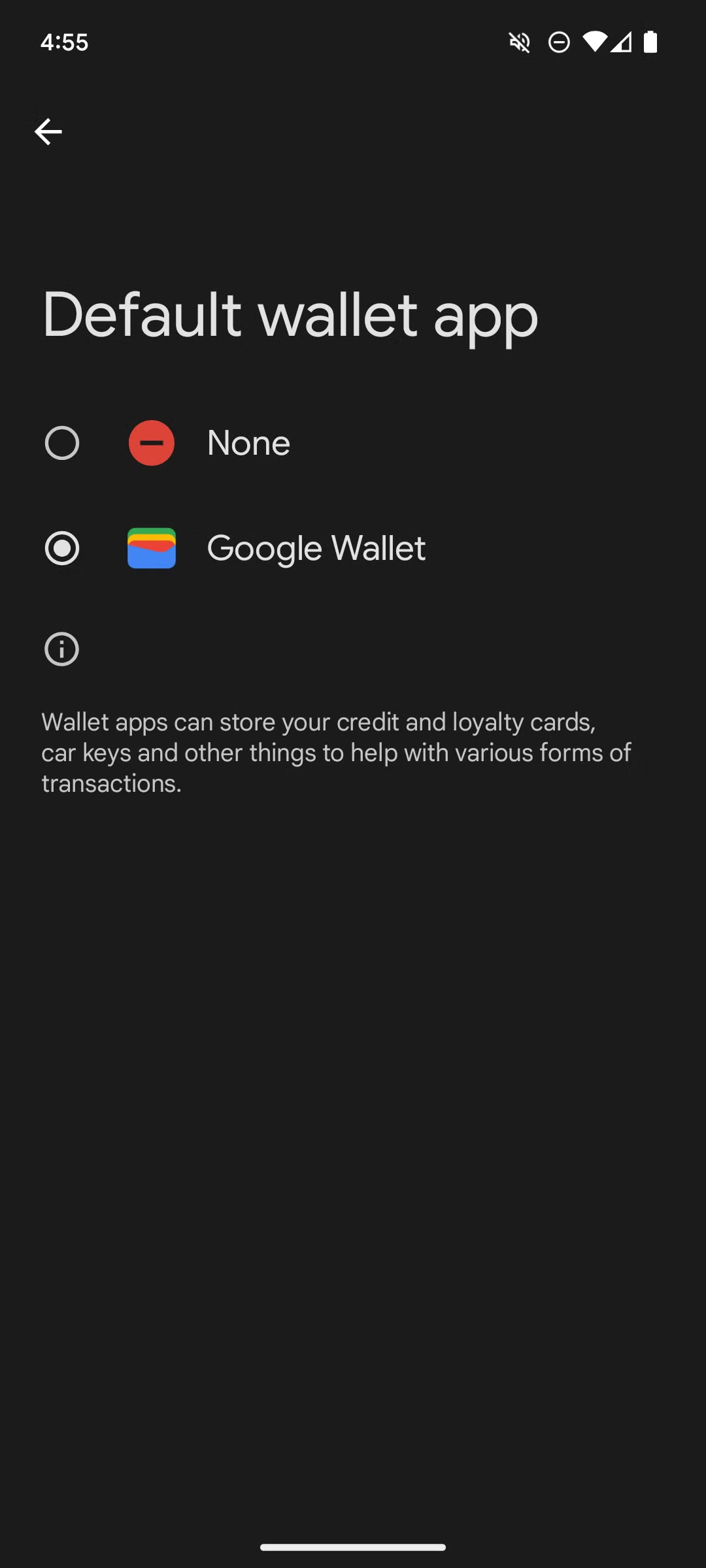
Android
In Settings, select Walt as your default contactless app. From then on, holding your phone to a terminal launches Walt instead of Google Wallet. You can switch back any time.
On degoogled Android (GrapheneOS, /e/OS, CalyxOS), Walt is the default the moment it is installed. There is nothing else to choose from, and that is the point.
iPhone, in the EEA
Under the Digital Markets Act, Apple lets you pick a default contactless app in Settings. Choose Walt and a double-press of the side button launches it, exactly where Apple Wallet used to be. Face ID still authenticates the tap.
Outside the EEA, Apple does not yet permit third-party NFC wallets. iPhone support is EEA-only at launch.
The only major contactless wallet not paid for by your data.
Side-by-side with the wallets most Europeans use today.
Not every card on day one.
Every card issuer in Europe has to individually approve each wallet. Onboarding the continent takes time, so Walt launches country by country, with varying card availability inside each country at launch. Coverage grows from there as more banks are added.
See where Walt works, and where it is on the way, on the availability map.
A stolen Walt phone cannot pay.
The payment tokens on a Walt phone are cryptographically bound to that specific device. They cannot be copied off, cannot be re-installed on a new phone, and cannot be used by anyone without your face, your fingerprint, or your phone PIN.
If you lose the phone, deactivating the token is the same call you would already make to your bank for Apple Pay or Google Wallet. There is no Walt account to log in and lock out, because there is no Walt account. When you set up a new phone, you add the card again. The old token is dead. The new one is bound to the new device.
AuditsMade Public
Before Walt makes its first tap-to-pay purchase, it will go through an EMVCo SBMP (Software-Based Mobile Payment) security audit. We'll publish the results here on the website and on GitHub. Walt is taking this playbook from its predecessors in the pay-for-privacy space, companies like Proton, Mullvad, and Signal, and listening to what the community expects of a product proving itself trustworthy.
We've also made the Passes feature open source. We can't open-source the tap-to-pay functionality today, given the sensitivity of the underlying data. That isn't a permanent decision; open-sourcing it is something we're actively considering.
Be first to tap.
Walt Tap-to-Pay opens in late 2026, starting where bank coverage is highest. Join the waitlist and you will hear from us when available.